(And Why I Finally Stopped)
The first time I opened Notion, I stared at the screen, clicked one button, and promptly closed it.
For about a year.
If you’re new to Notion, you probably know exactly what that feels like.
The next time I opened it, I clicked a few more buttons… and closed it again.
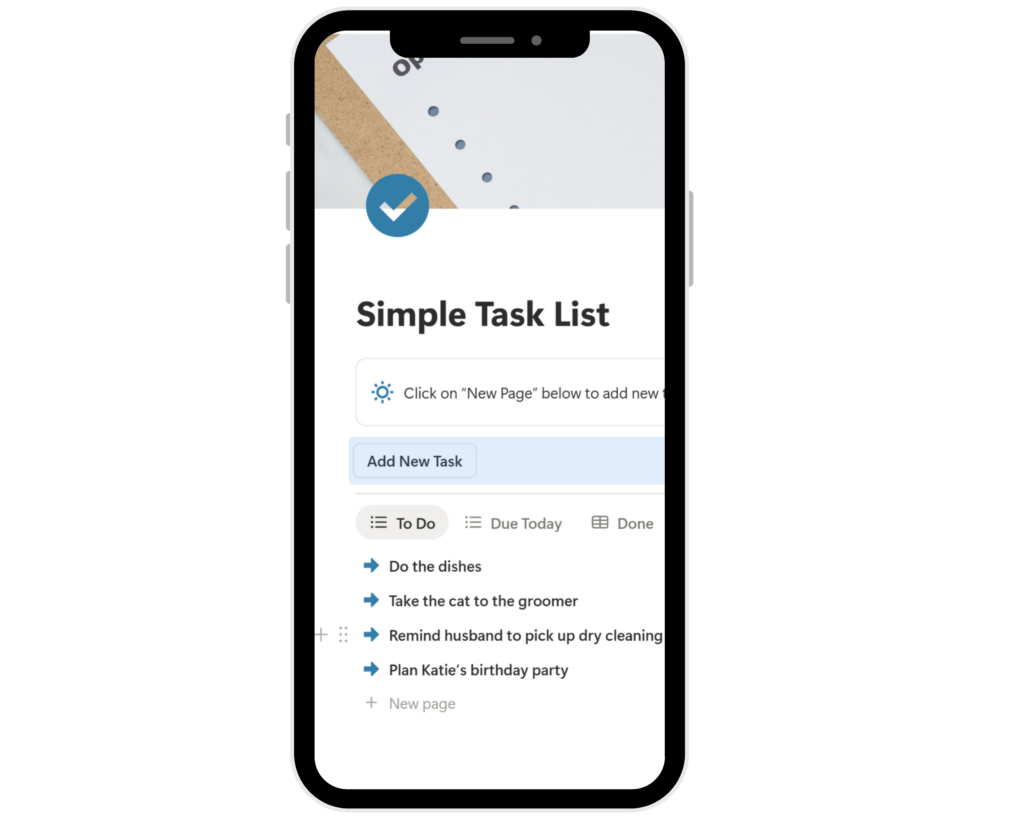
Eventually, after watching more YouTube tutorials than I care to admit, I managed to build a simple task list in Notion. It worked—for a minute.
Then it didn’t.
I kept adding things. More properties. More options. More ways to organize everything. Before long, it became overwhelming again.
And honestly? It still does.
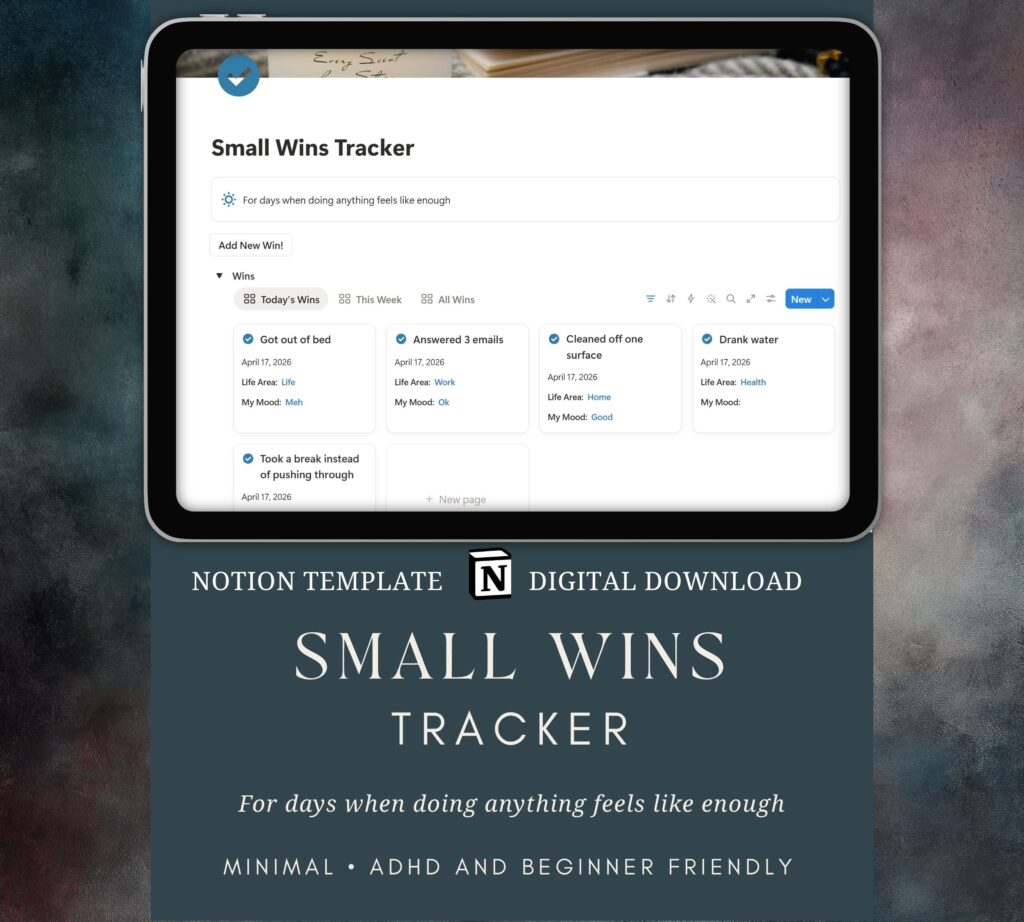
I still can’t use an overly busy dashboard with too much information. My ADHD brain just can’t handle it.
I don’t want ten sections, five databases, and a wall of information every time I open Notion. I want something that makes sense immediately.
So I did what a lot of beginners do—I searched for a Notion template.
I found plenty of them. Productivity dashboards, all-in-one systems, habit trackers, project managers… it felt like exactly what I needed.
Until I opened one.
There were formulas, relations, rollups… I didn’t even know what a rollup was. I clicked around for a minute, tried to figure it out, and then…
Closed it.
Again.
That’s when I realized something.
It wasn’t that Notion didn’t work.
It was that most Notion templates are built for people who already understand how Notion works.
And I didn’t.
I didn’t need something more powerful.
I needed something simpler.
That’s why I started creating my own Notion templates—specifically for beginners.
Simple Notion templates.
Beginner-friendly layouts.
No complicated systems to figure out.
Just:
• One database
• No relations
• No rollups
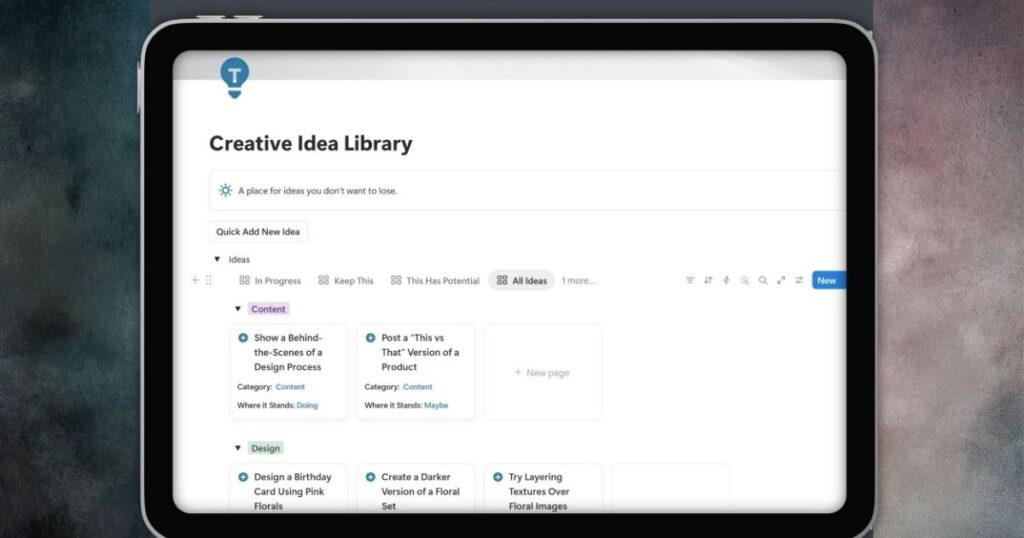
• Clean views that show exactly what you need
The kind of templates that make sense the moment you open them.
If you’re just getting started with Notion, or you’ve opened it a few times and immediately closed it again, you’re not doing anything wrong.
You just haven’t found the right starting point yet.
That’s exactly what I build now—Notion templates for beginners that are simple, clear, and actually usable from day one.
A Simple Place to Start
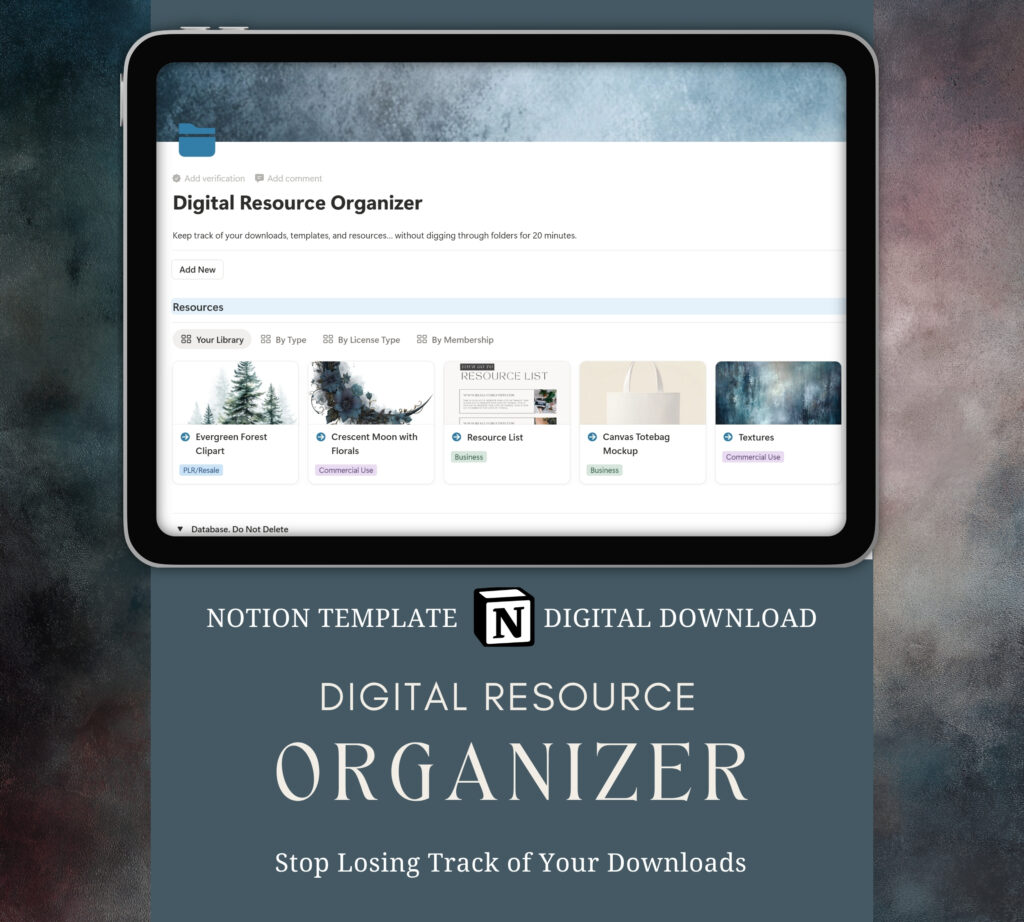
I wanted to create something simple to start with, so I made a free template you can use.
Click the link below to access your template. On the right hand side, click “Duplicate”
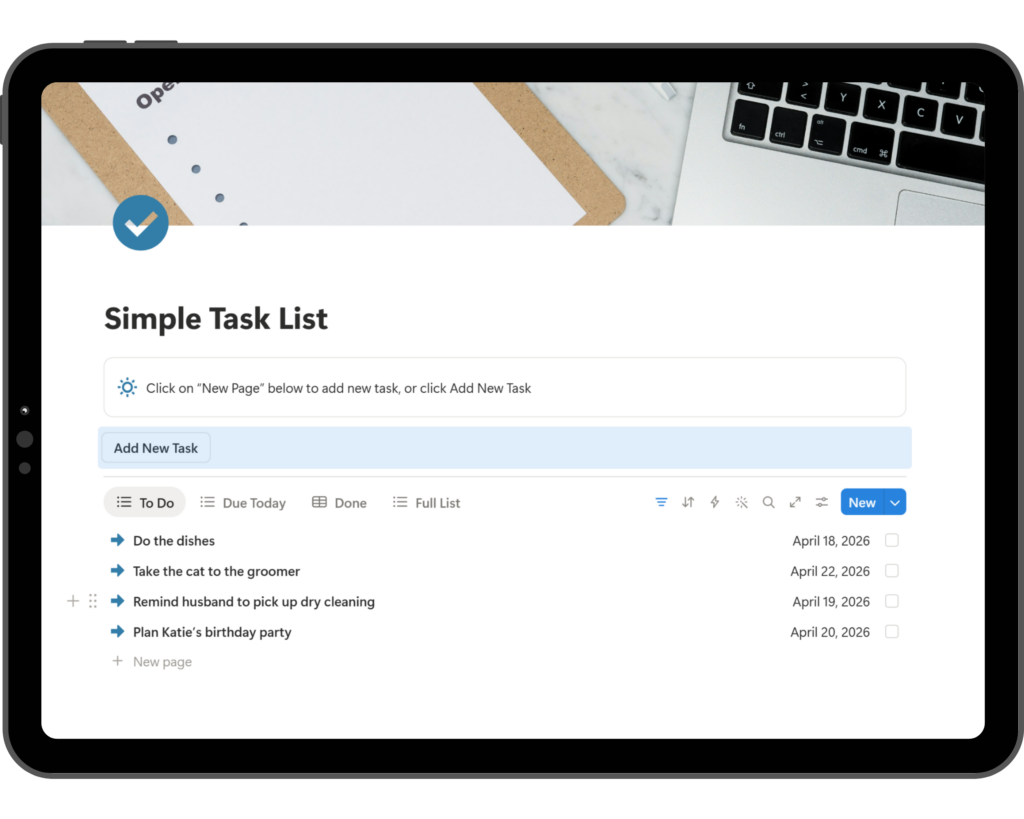
This template works beautifully on phone and tablet, too